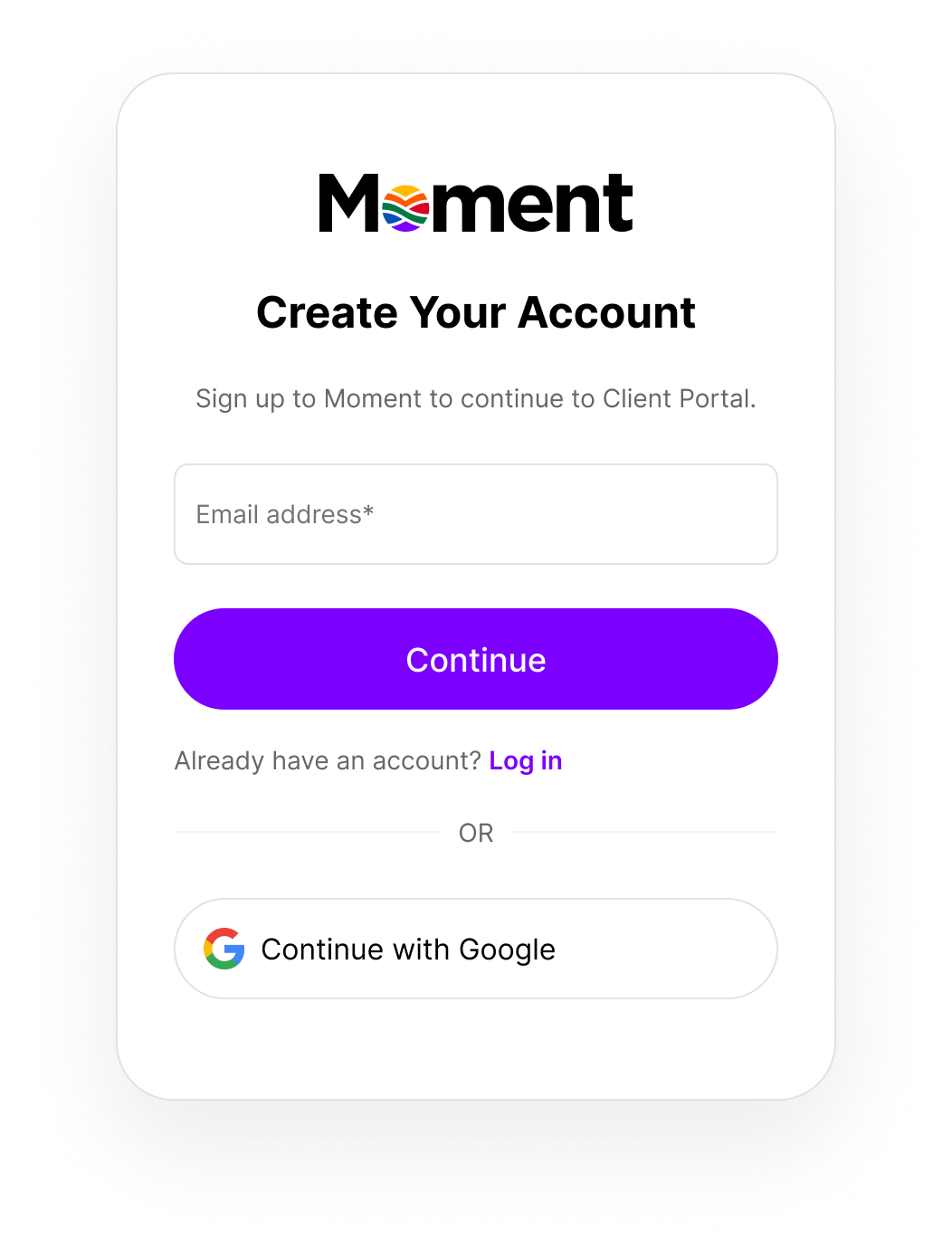
Step 1: Enter your email address to get started.
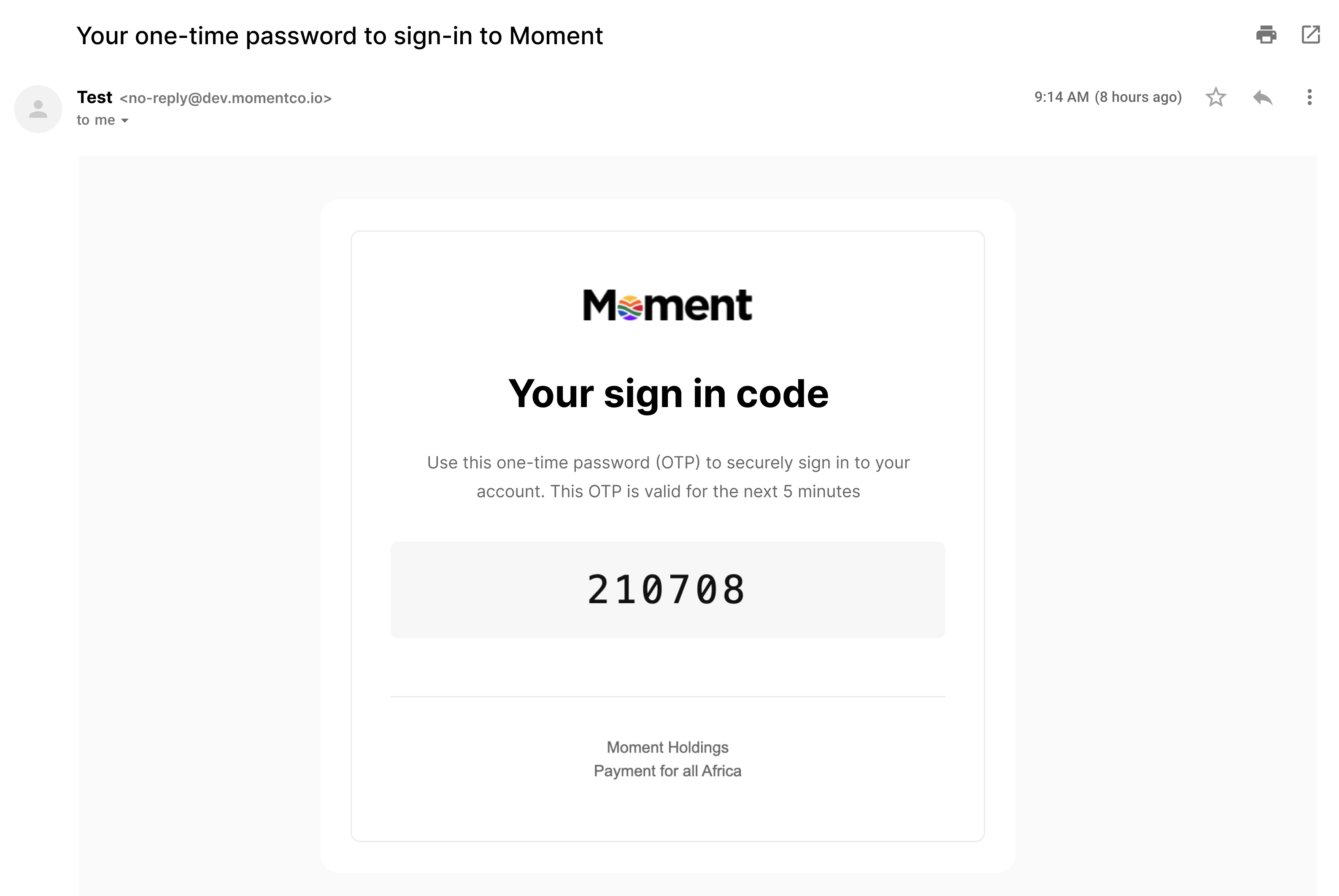
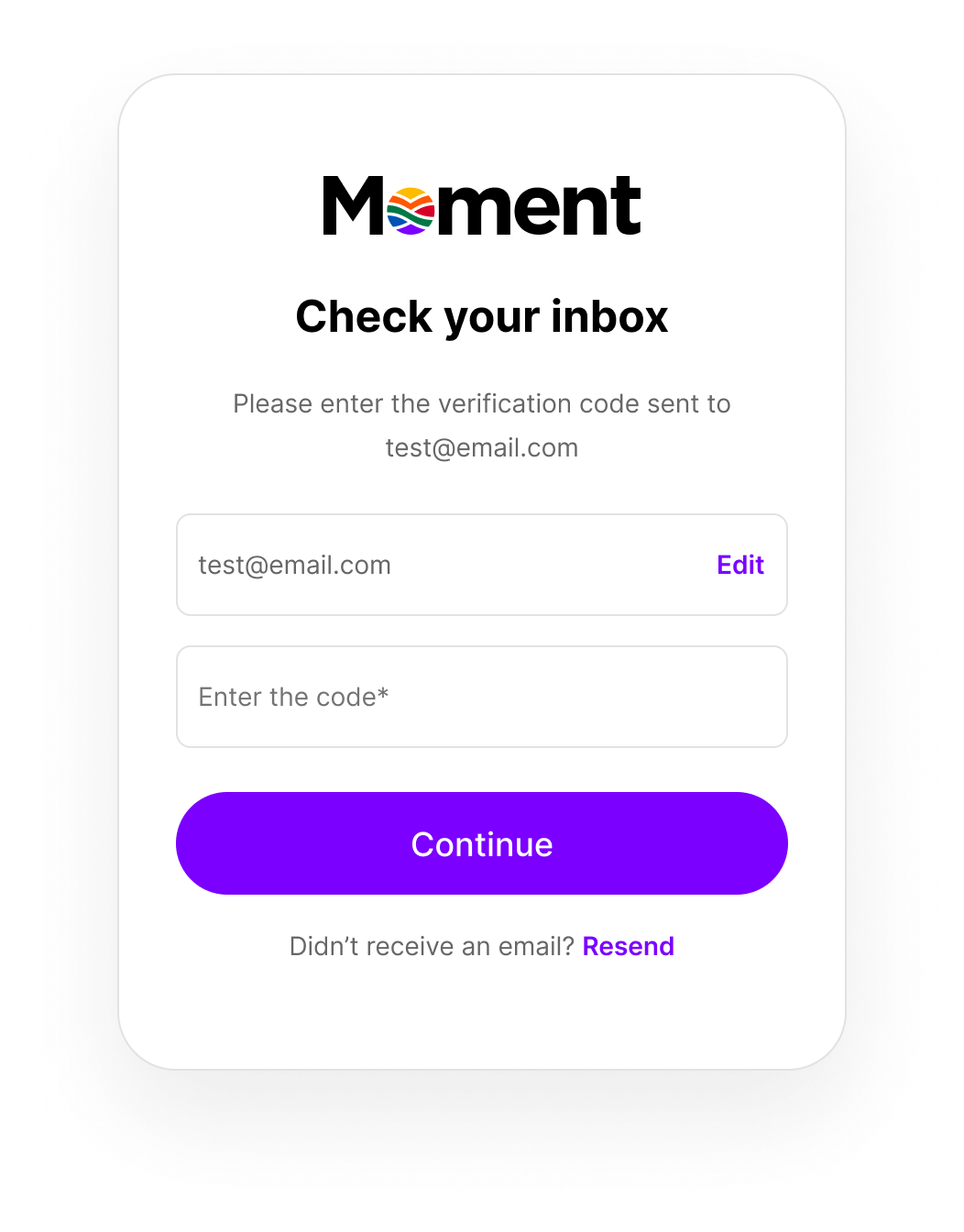
Step 3: Enter the code from the email to verify your address.
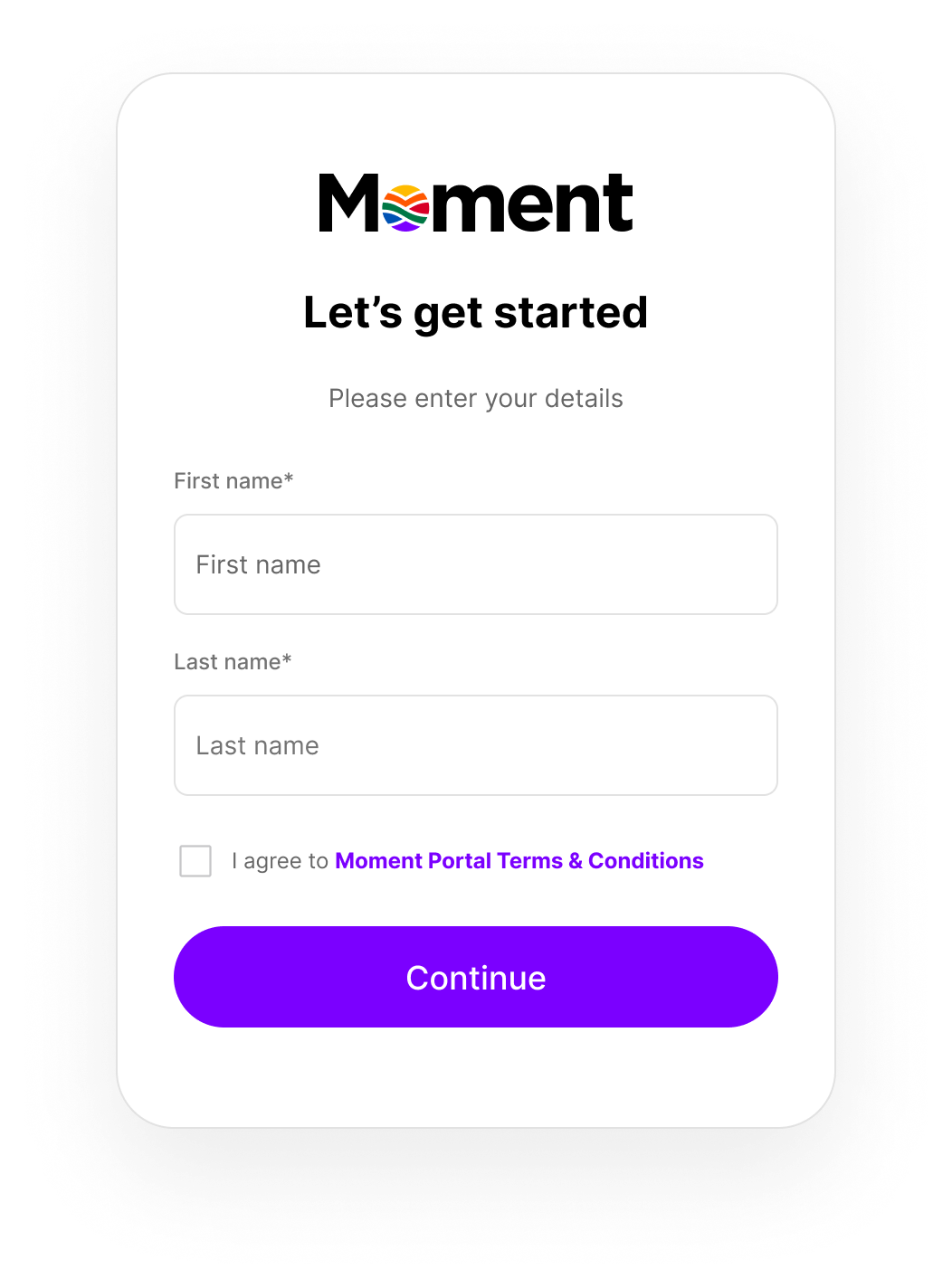
Step 4: Add your first and last name.
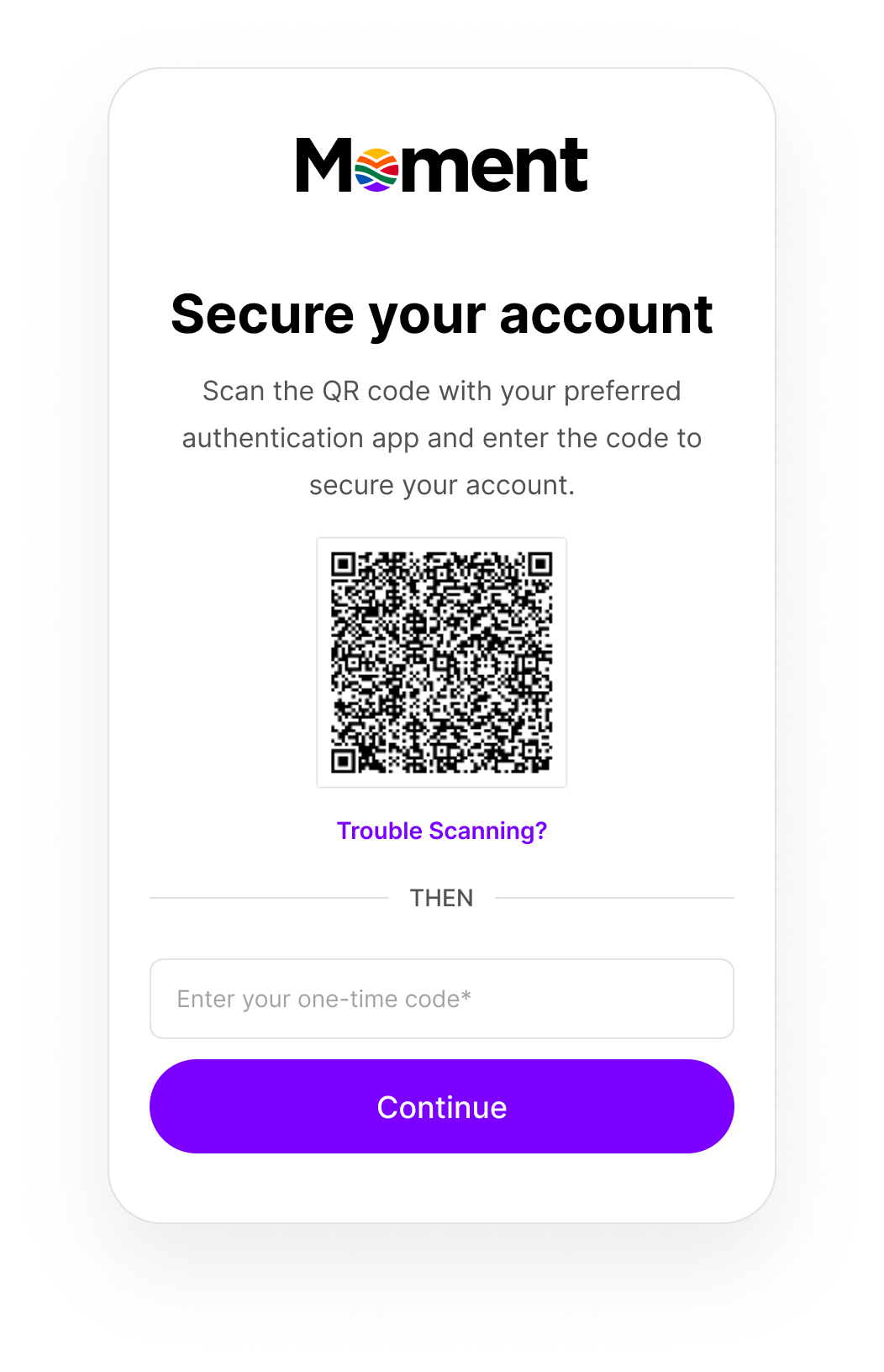
Step 5: Set up two-factor authentication (2FA).
Step 6: Click Continue.
Open your preferred authenticator app, scan the QR code, then enter the code generated by the app.
Step 6: Click Continue.
Your account is now created and you’ll be logged into your merchant account for the first time.