

Organisation
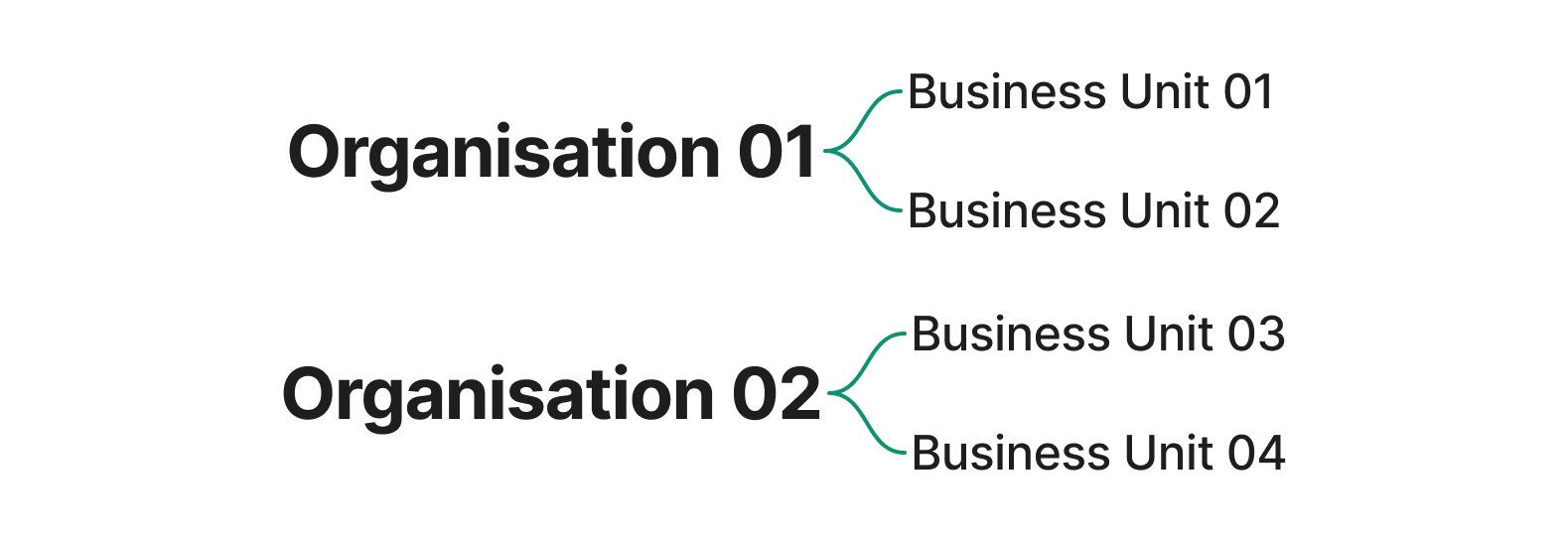
An organisation is the top-level account in the Client Portal. It represents your business as a whole, and every business unit you operate sits underneath it.Business unit
A business unit is the processing account that all transactions and settlements belong to. Most merchants operate a single business unit. Merchants running multiple entities, brands, or regions can have several business units under one organisation.- An organisation can have one or many business units.
- A business unit belongs to exactly one organisation.
- Transactions, reports, and settings in the Client Portal are scoped to a single business unit at a time.
Moment-Business-Unit header. When your API key is linked to a single business unit the header can be omitted. See Business Units in the authentication guide for the full details.
A business unit must be connected to a legal entity, to meet compliance requirements such as Know Your Business (KYB) checks and applicable local regulations.
Switching accounts
- Switch organisations from the switcher at the bottom of the side navigation.
- Switch business units from the switcher in the page header, next to the test and live mode switch.