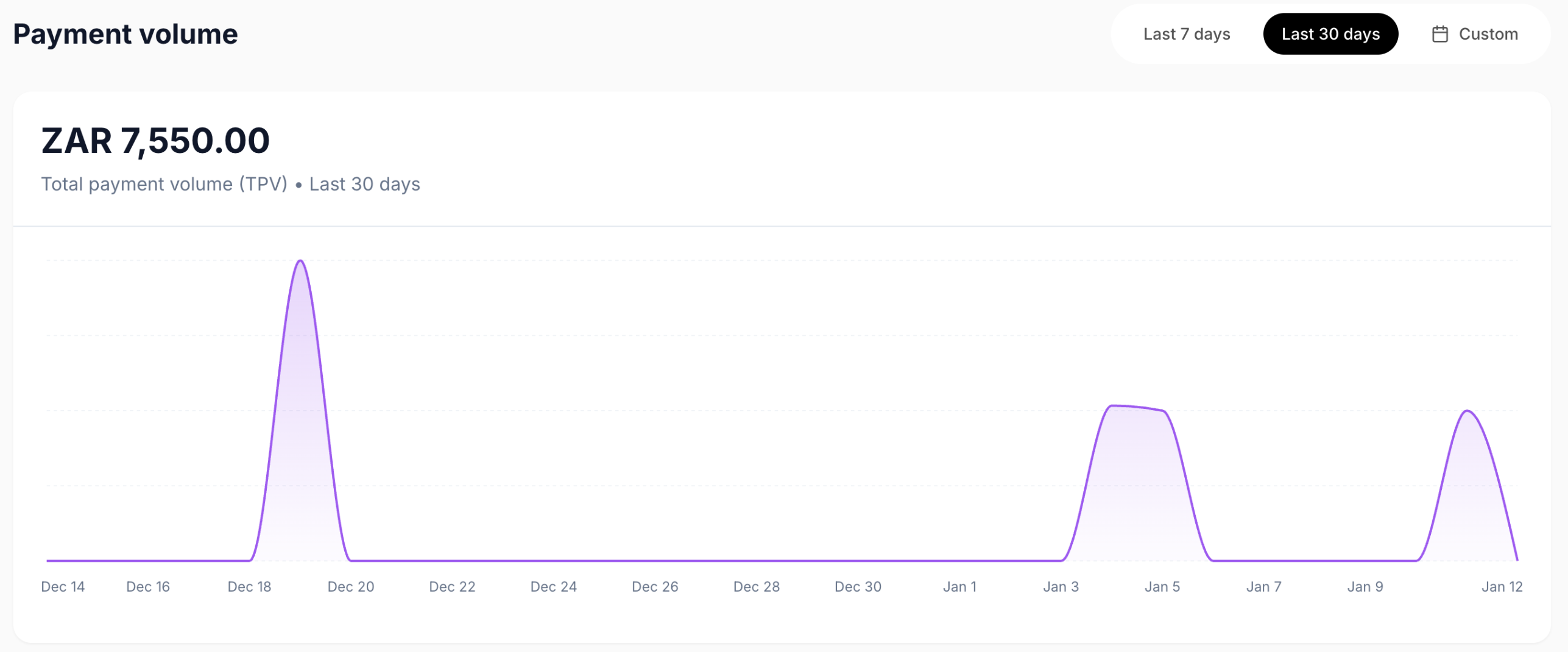
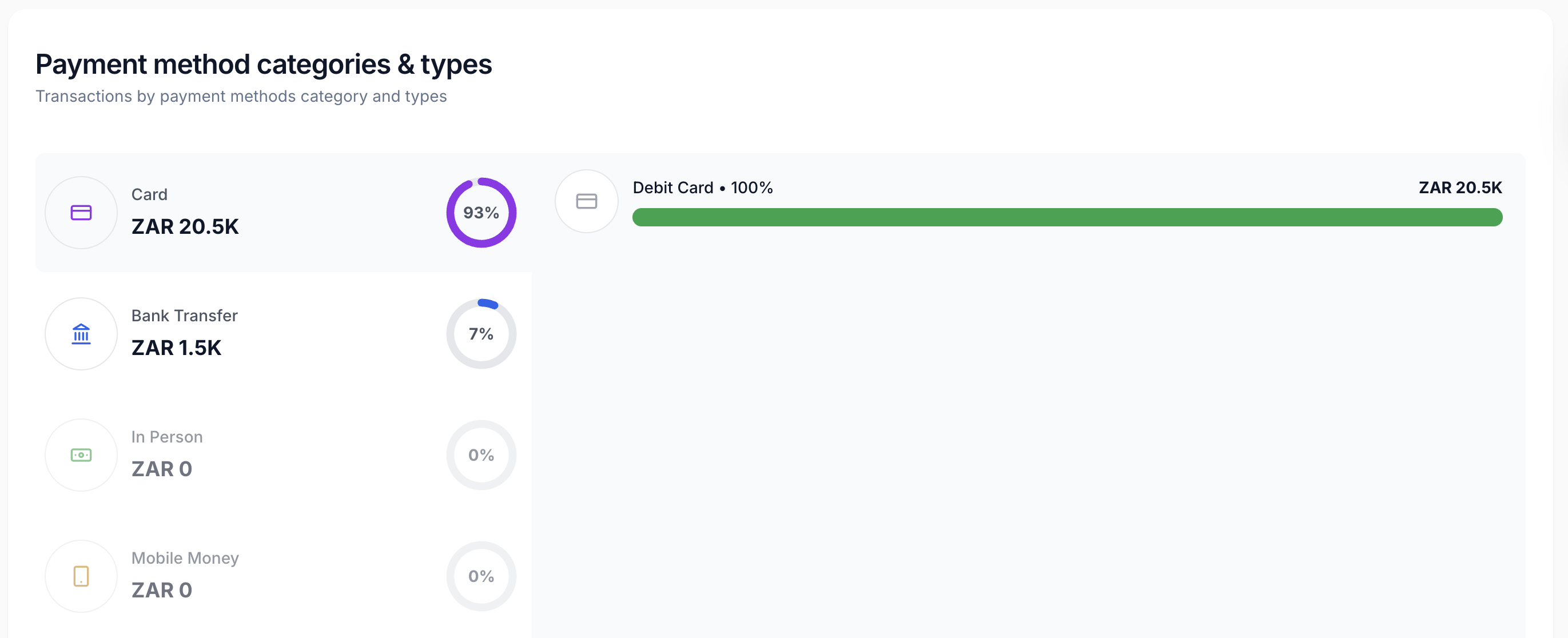
The Moment Client Portal is your go-to for completed transactions, customers, and key business insights. Let’s walk through the features you’ll find on your homepage and how to use them to manage your business efficiently.Documentation Index
Fetch the complete documentation index at: https://docs.momentco.io/llms.txt
Use this file to discover all available pages before exploring further.
Homepage Overview and Navigation
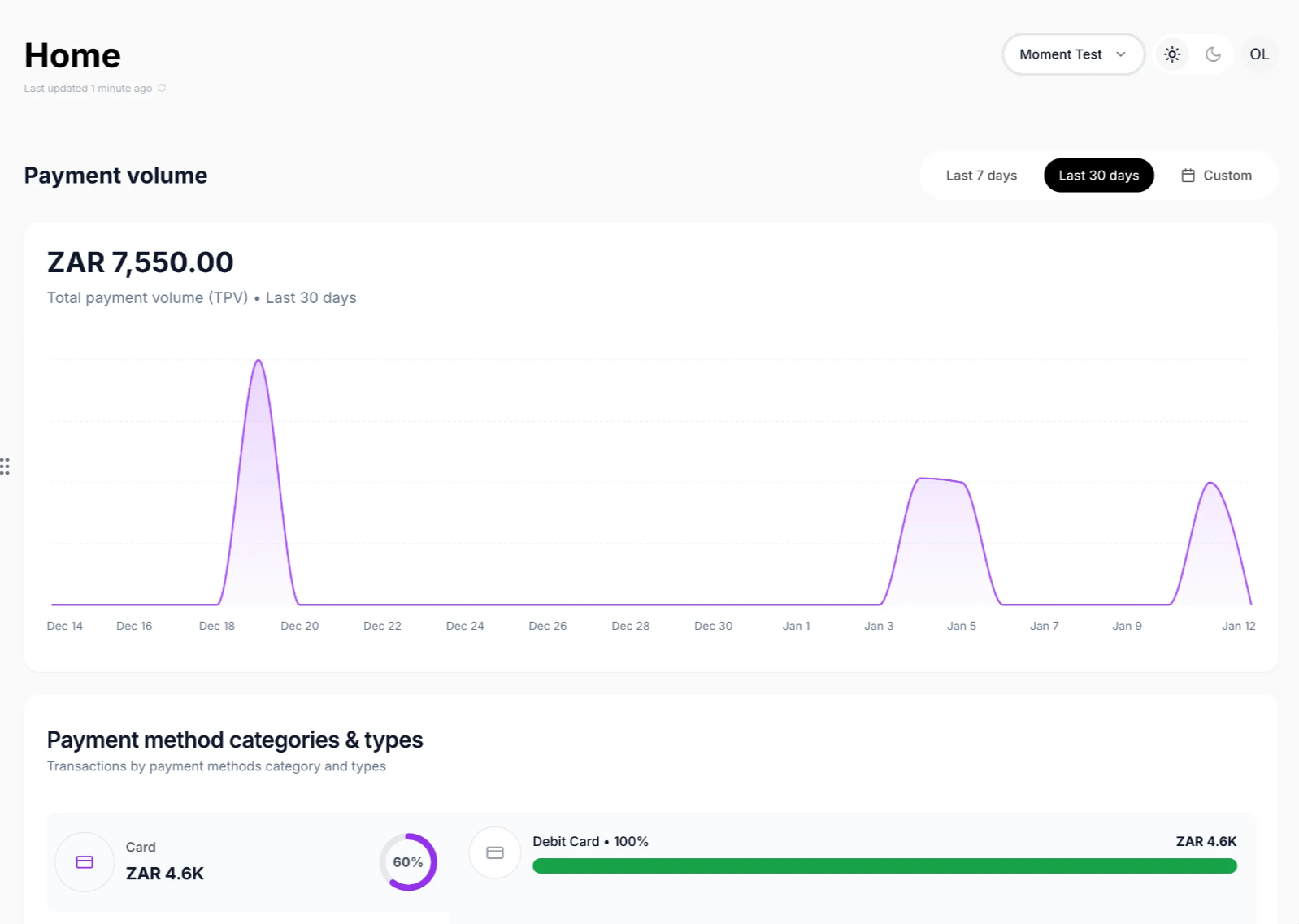
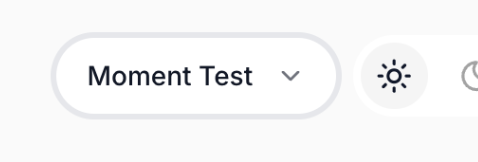
Account switching: Switch between your company’s business units using the button at the top right corner (if available)
Payment Insights: View the main graph showing TPV from all completed transactions. Apply filters or change the displayed time frame—choose the last 7 days, the last 30 days, or a custom period.